
How to program GE universal remote without code?
If you want to program a GE universal remote without a code, I’ve tested this method myself on a GE universal remote with the CL5/CL6 code version, and it worked without any issues. So if you don’t have the code for your device or just don’t want to look it up, you can use this same auto-search method.
Before you start, let’s make sure you’re working with a compatible remote. This method works best on the newer GE universal remotes, code versions CL5 and CL6. You’ll find the version number inside the battery compartment: pull off the cover, remove the batteries, and look at the printed label. You should see something like “CL5” or “CL6” printed on it, that’s your remote’s version.
Now It’s easy to set up your GE universal remote without codes.
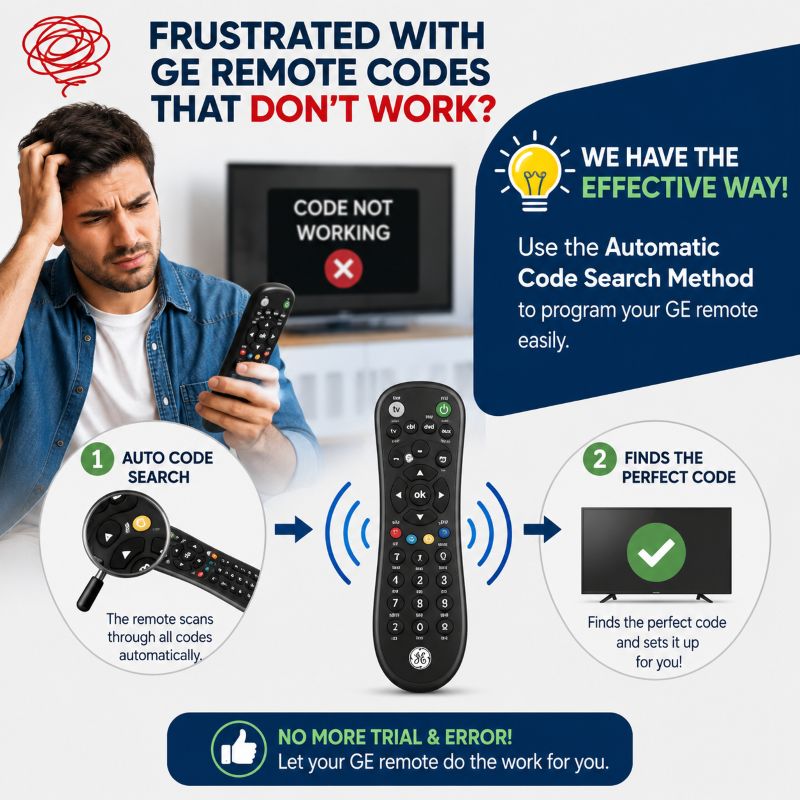
Are you frustrated with programming the GE remote with codes, and none of the codes work? Proceed to the section where we explained the effective ways to program the remote with the automatic code search method. The device itself scans and finds the perfect code and sets it up for you.
It works with all categories of devices like TVs, set-top boxes, DVD players, streaming devices, etc. Follow the steps provided below exactly and set up the remote.
How to program a GE universal remote without codes
What if your GE remote model is very old? Instead of having a “Search/Setup” button, you have an ENTER button. We’ve solution.
How to program GE universal remote old models with ENTER button
Still need help?